

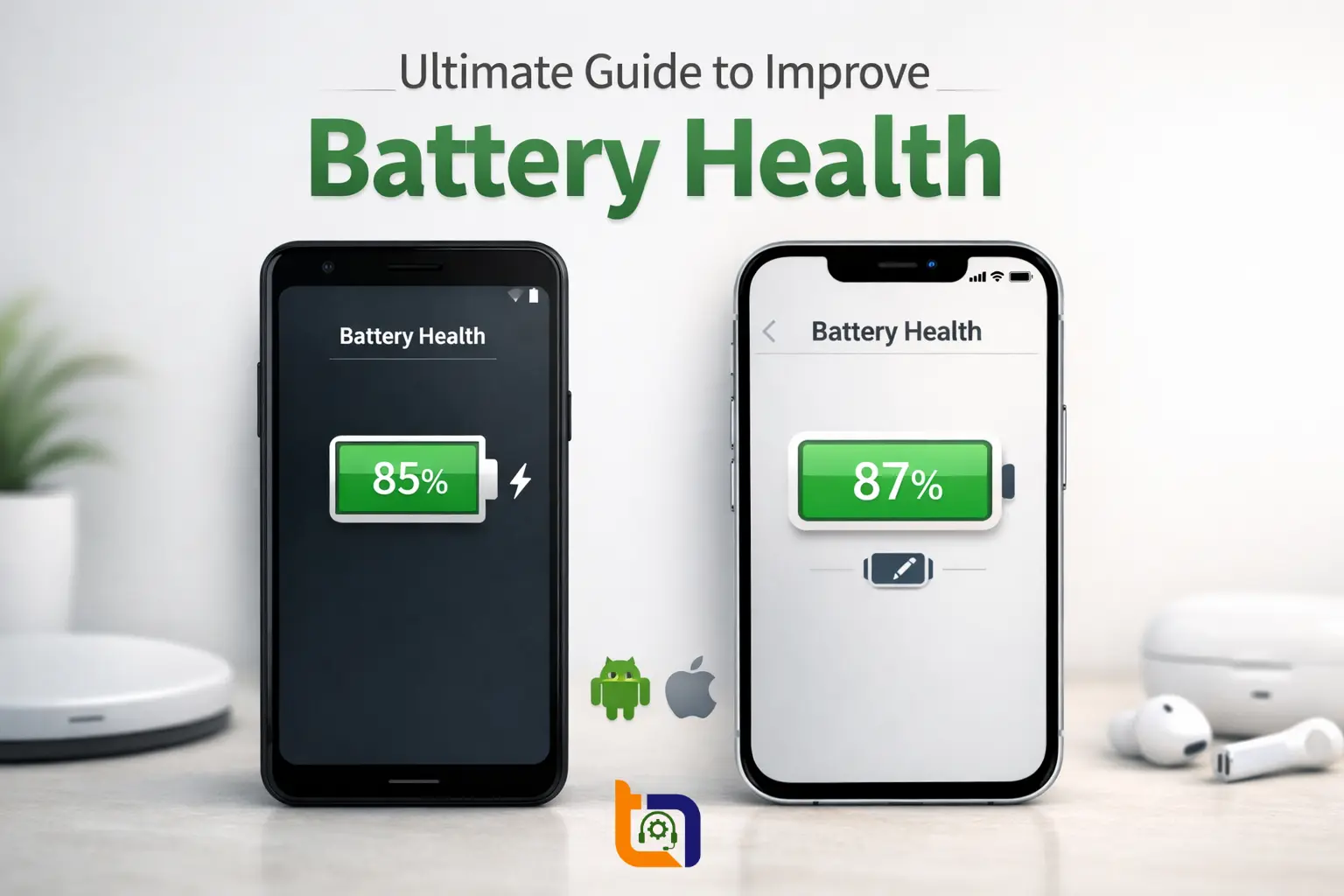
Smartphones have become an essential part of daily life around the globe. From online banking and food delivery to social media and work emails, we rely heavily on our phones. However, one common issue faced by almost every user is poor battery health over time. However, you need not to worry as in this ultimate guide, we will explain simple and practical ways to improve battery health on Android and iPhone devices.
Many Android and iPhone users complain that their phone battery drains quickly, heats up, or doesn’t last as long as it used to. The good news is that with proper care and smart usage habits, you can significantly improve battery health and extend its lifespan. The tips discussed below are easy to follow, beginner-friendly, and suitable for all users who want better performance without changing their phone.
Understand What Battery Health Means
What Is Battery Health?
Battery health shows how much charge your battery can hold compared to when it was new. Over time, lithium-ion batteries degrade naturally, which reduces their capacity and efficiency.
On iPhones, you can check battery health directly from:
Settings > Battery > Battery Health & Charging
On Android phones, battery health is not always visible, but you can use trusted apps or system diagnostics to check it.
Why Battery Health Drops Over Time
Battery degradation happens due to the following facts:
- Overcharging
- Excessive heat
- Using fast chargers frequently
- Heavy apps running in the background
- Charging from 0% to 100% regularly
Understanding these factors would surely help you to avoid habits that affect battery life and sometimes even cause a serious damage as well.
1. Adopt Smart Charging Habits
Avoid Overcharging Your Phone
The first and the most important cause of causing damage to the battery health of a smartphone is to keep your device plugged in overnight every day. Although modern phones stop charging at 100%, but staying connected to power creates heat, which slowly degrades the battery.
As the best practice, it is advised to:
- Charge between 20% and 80%
- Unplug once the battery reaches around 80–90%
Use Original or Certified Chargers
Always use original charger provided by the manufacturer and certified cables (Apple MFi or trusted Android brands). Cheap local chargers available in markets may damage the battery and even cause safety risks.
2. Reduce Heat and Overheating Issues
Keep Your Phone Cool
Heat is one of the biggest enemies of battery health. As a good practice, always remove thick covers while charging to allow heat to escape.
To achieve a better battery health, it is recommended to avoid:
- Using phone while charging;
- Playing heavy games for long hours;
- Keeping phone under sunlight (especially in Pakistani summers).
Avoid Fast Charging When Not Needed
Fast charging is convenient but it generates more heat. Use it only when required. Overnight charging is better done with a normal-speed charger.
3. Optimize Settings for Better Battery Health
Adjust Display Settings
The screen consumes most of the battery of your smartphone. Keep the following recommendations in mind to achieve good battery health:
- Reduce screen brightness;
- Enable auto-brightness;
- Use Dark Mode (especially on OLED screens).
Turn Off Unnecessary Features
Smartphones bring a lot of features that may make your life easier. But, at the same time, these features (if kept on unnecessarily) drain the battery so rapidly. Therefore, it is advised to disable the features you don’t use regularly:
- Bluetooth;
- Location services;
- Background app refresh;
- 5G (if not required).
On Android, enable Battery Saver Mode.
On iPhone, enable Low Power Mode when battery is low.
4. Manage Apps and Software Wisely
Remove Battery-Draining Apps
Some apps consume excessive power even when not in use. Social media, gaming, and navigation apps are common examples. Check battery usage and uninstall the apps you don’t really need:
- Android: Settings > Battery > Usage
- iPhone: Settings > Battery
Keep Software Updated
Software updates often include battery optimization improvements and bug fixes. Always keep your phone updated to the latest stable version.
5. Long-Term Tips to Maintain Battery Health
Avoid Letting Battery Drop to 0%
Fully draining your phone frequently puts stress on the battery. Try to recharge before it drops below 20%.
Store Phone Properly When Not in Use
If you’re not using your phone for a long time, it is advised to keep battery around 50% and store in a cool, dry place. This helps preserve battery health during storage.
Final Thoughts
Improving battery health on Android and iPhone is not difficult if you follow the right habits. Smart charging, avoiding heat, managing apps, and optimizing settings can greatly extend your battery’s lifespan. These small changes can help you enjoy better performance, fewer charging cycles, and longer daily usage without frustration.
By taking care of your phone’s battery today, you can save money, imrove battery health and avoid early battery replacement in the future.
Keep followng Tecno Times Pakistan, as we will continue to bring you practical guides, tips, and updates to help you get the most out of your technology.