If you have ever brought a mobile phone from abroad or purchased a new device in Pakistan, you may have heard about the PTA mobile registration process. Many users are curious about why their phone gets blocked or why they receive SMS warnings from PTA. This is where the DIRBS system comes in.
In this guide, we will explain what the PTA DIRBS system is, how mobile registration works in Pakistan, why phones get blocked, and how you can register your device legally in 2026. Let’s break it down in simple words.
What Is PTA DIRBS?
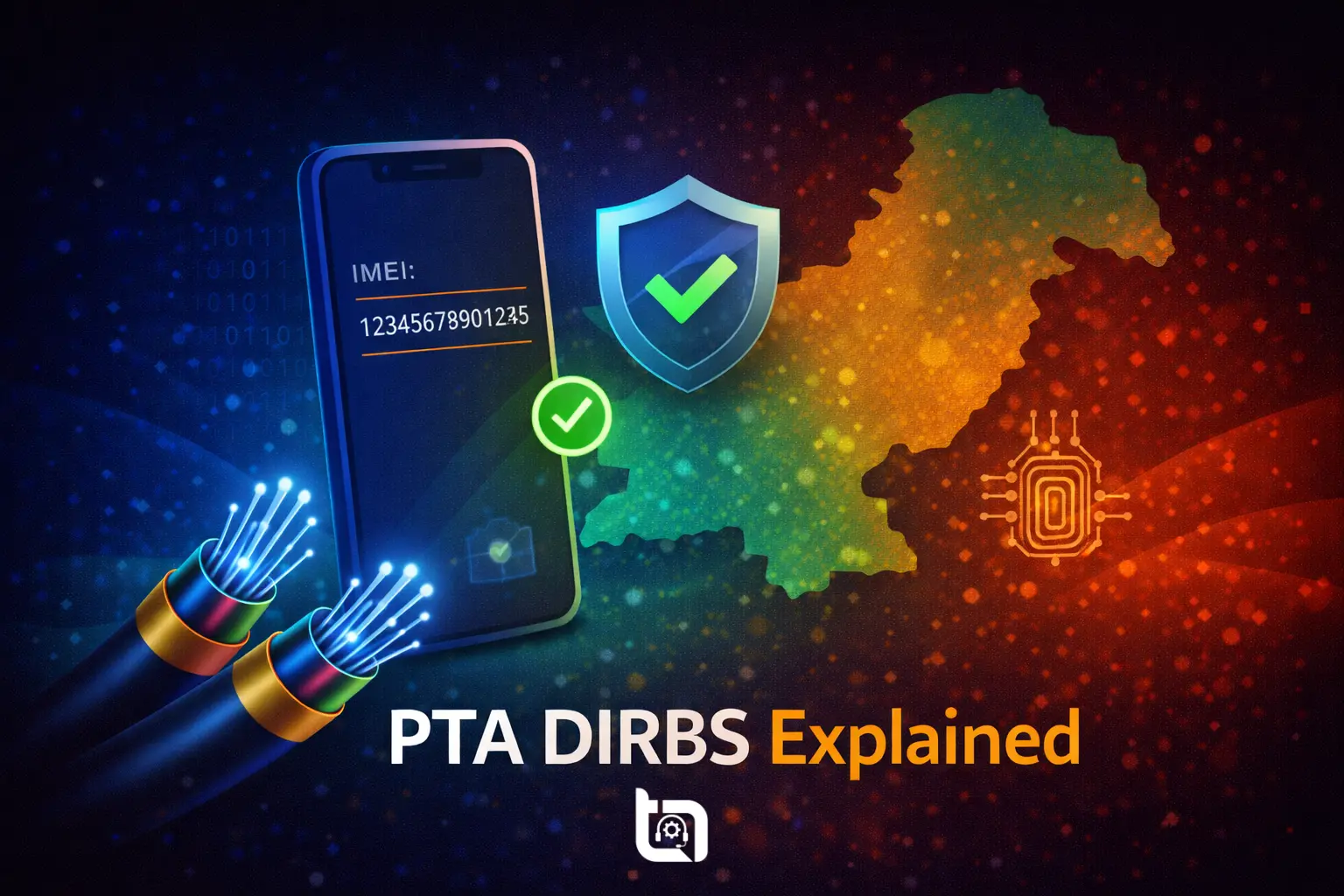
DIRBS stands for Device Identification, Registration and Blocking System. It was launched by Pakistan Telecommunication Authority (PTA) to control illegal and smuggled mobile phones in Pakistan.
DIRBS works by tracking the IMEI number of every mobile device used on Pakistani networks. The system was introduced in 2018 to ensure that:
- Only legally imported mobile phones work in Pakistan
- Government collects proper taxes
- Stolen or cloned devices can be blocked
- Fake IMEI numbers are controlled
Read Also: Complete PTA Mobile Registration Guide 2026 – Tax, IMEI Check & DIRBS Explained
What Is IMEI and Why Is It Important?
IMEI stands for International Mobile Equipment Identity. Every mobile phone has a unique IMEI number.
How to Check Your IMEI
Dial: *#06#. Your phone will show the IMEI number on the screen.
DIRBS uses this IMEI number to decide whether the device is registered, taxes are paid and the device is legal to use in Pakistan. If your IMEI is not registered, your mobile signals may get blocked.
How Mobile Registration Works in Pakistan
Let’s understand the full process step by step.
Step 1: Device Enters Pakistan
When a phone is imported:
- Commercial importers register devices in bulk
- Individual travelers must declare phones at the airport
Customs data is linked with PTA’s DIRBS system.
Step 2: IMEI Verification
The IMEI is checked in the DIRBS database. You can check your device status by sending your IMEI to 8484 via SMS. Wait for a response from PTA.
- Compliant – Phone is registered and working
- Non-Compliant – Registration required
- Blocked – Device cannot work on Pakistani networks
Step 3: Tax Payment (If Required)
If the phone is brought from abroad, taxes must be paid. The tax amount may vary depending upon various factors such as phone model, brand, market value, and passport or CNIC registration. After payment, the device becomes compliant.
Use the PTA Mobile Tax Calculator to assess the tax value of your device.
PTA Mobile Registration Methods
There are two main ways to register a mobile phone in Pakistan.
1️⃣ Register via Passport (For Overseas Pakistanis & Travelers)
If you bring a phone from abroad:
- You can register it within 60 days
- Passport entry must match travel history
- One device per passport per visit is usually allowed
This method often has lower tax compared to CNIC registration.
2️⃣ Register via CNIC
If you did not declare the phone at the airport:
- You can register it using your CNIC
- Taxes may be slightly higher
This method is common for locally purchased imported phones.
Why Phones Get Blocked in Pakistan
Many users panic when their phone suddenly stops working. Once blocked, the phone will not receive network signals until compliance is completed. Common reasons include:
- Non-payment of PTA tax
- Fake or cloned IMEI
- Smuggled devices
- Incorrect registration information
How to Avoid PTA Issues
Buying a non-PTA phone may save money initially but can cause problems later. Here are some safety tips:
- Always check PTA approval before buying a phone
- Ask the seller for PTA status confirmation
- Avoid extremely cheap “non-PTA” devices
- Keep tax payment receipts
- Verify IMEI before purchasing used phones
Conclusion
The PTA DIRBS system plays a major role in controlling mobile device usage in Pakistan. Whether you are buying a new phone, importing from abroad, or purchasing a used device, understanding the registration process is very important.
Before spending money on any smartphone, always confirm its PTA status to avoid future blocking issues.
A little verification today can save you from network problems tomorrow.
Stay updated with Tecno Times Pakistan for the latest telecom guides, PTA updates, and mobile registration news across Pakistan.