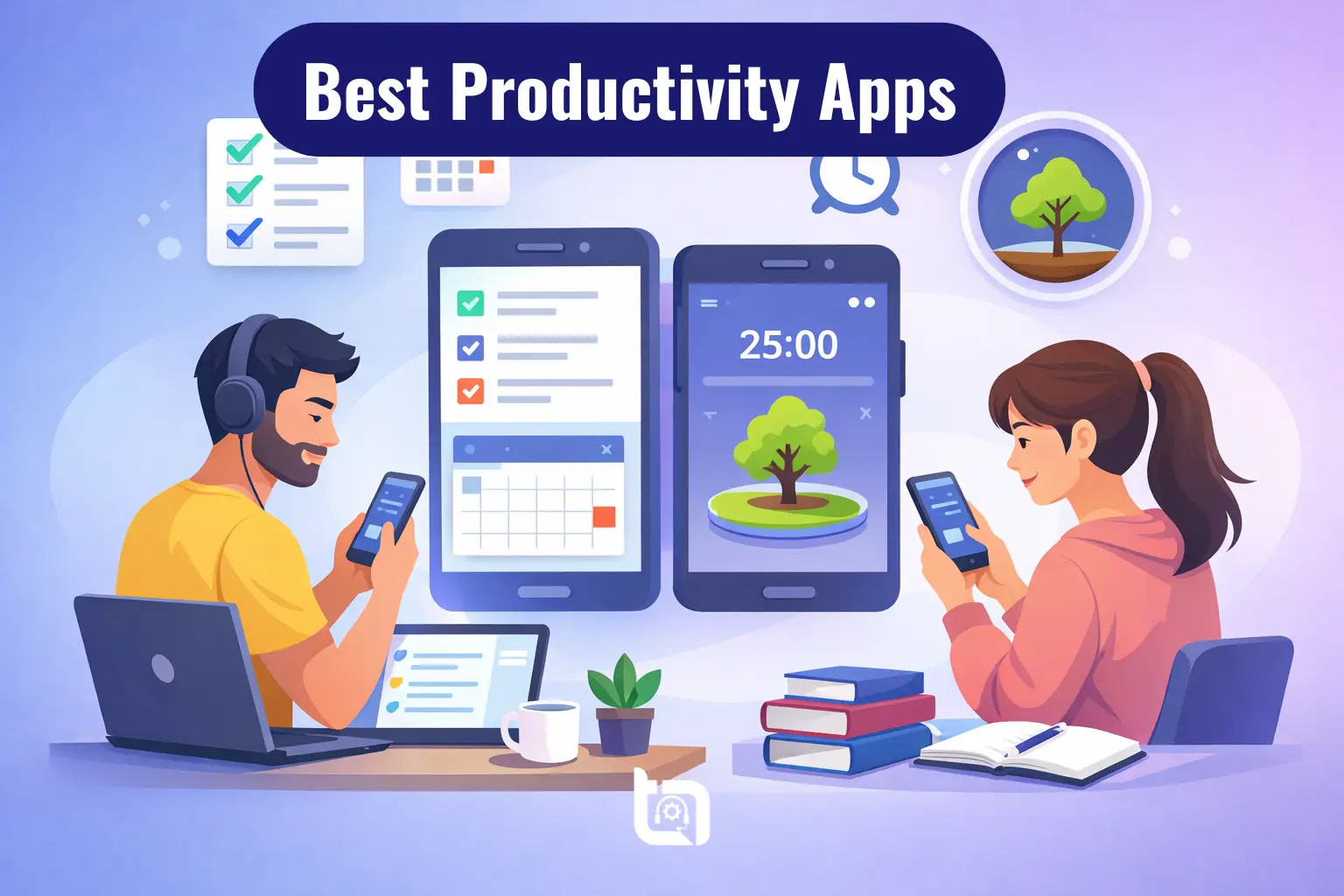
In today’s fast-paced digital world, staying productive is no longer optional—it’s essential. Whether you are a freelancer juggling multiple clients or a student managing assignments and deadlines, the right productivity apps can completely transform how you work. In this guide, we’ll explore the best productivity apps that are perfect for freelancers and students in Pakistan and worldwide.
With smartphones becoming powerful work tools, both Android and iPhone users now have access to advanced apps that help manage tasks, organize notes, improve focus, and collaborate efficiently. In 2026, productivity apps are smarter than ever, with AI-powered features, cross-device syncing, and automation making work easier and faster.
Best Productivity Apps for Freelancers and Students
1. Notion – All-in-One Productivity Workspace
Notion has become one of the most powerful productivity apps in 2026. It combines note-taking, task management, databases, and collaboration tools into a single platform. This makes it ideal for freelancers managing projects and students organizing study material.
For freelancers, Notion works like a digital office where you can manage clients, track tasks, and even store documents. Students can use it as a “second brain” to organize lectures, assignments, and schedules. Its flexibility allows users to customize everything according to their needs, making it a favorite among power users.
Notion continues to dominate productivity in 2026 by combining notes, tasks, databases, and collaboration tools in one place. It is considered the best option for freelancers, teams, and students who want everything in one app
- All-in-one workspace (notes, tasks, databases)
- Custom templates for study and work
- Real-time collaboration
- AI-powered writing and summaries
- Cross-platform sync (Android, iOS, desktop)
2. Todoist – Best Task Management App
Todoist remains one of the most reliable task management apps available for both Android and iPhone users. It is designed to help users organize daily tasks with ease using a clean and simple interface.
Freelancers can use Todoist to manage deadlines, track projects, and set priorities, while students can plan assignments and exam schedules. Its natural language input feature allows users to quickly create tasks like “Submit assignment tomorrow at 5 PM,” making productivity effortless.
Todoist helps you manage daily tasks with a clean interface and smart reminders. It is an ideal choice for anyone looking for a simple yet powerful to-do list app.
- Smart task creation with natural language input
- Task prioritization and labels
- Recurring tasks and reminders
- Productivity tracking dashboard
- Integration with tools like Google Calendar
3. Trello – Visual Project Management Tool
Trello is perfect for users who prefer visual organization. It uses a board-and-card system that helps you track tasks and workflows easily. This is especially useful for freelancers working on multiple projects and students handling group assignments.
The app allows you to create boards for different projects and move tasks across stages like “To Do,” “In Progress,” and “Completed.” Its drag-and-drop interface makes it extremely user-friendly, even for beginners.
Trello uses boards and cards to visually organize tasks and projects that may be helpful for managers and teams to vsualize and implement their tasks effectively.
- Kanban-style boards, lists, and cards
- Drag-and-drop task management
- Collaboration with team members
- Offline functionality with sync
- Custom labels and checklists
4. Google Keep – Quick Notes & Reminders
Google Keep is a simple yet highly effective productivity app for quick note-taking. It is perfect for students who need to jot down ideas quickly or freelancers who want to keep track of small tasks and reminders.
The app syncs seamlessly with your Google account, making it accessible across all devices. Its clean interface ensures that users can focus on capturing ideas without distractions. It’s especially useful for quick brainstorming and daily to-do lists.
Lightweight and fast, Google Keep is perfect for quick note-taking and reminders for those who who need quick, simple note-taking without complexity.
- Quick note-taking with voice and text
- Color-coded notes and labels
- Reminder and notification system
- Cloud sync with Google account
- Lightweight and easy to use
5. Forest – Stay Focused & Beat Distractions
Forest is a unique productivity app designed to improve focus and reduce smartphone distractions. It uses a gamified approach where users grow a virtual tree while staying focused on their tasks.
This app is especially useful for students preparing for exams and freelancers who struggle with distractions like social media. The longer you stay focused, the bigger your tree grows—making productivity fun and engaging.
Forest gamifies productivity by letting you grow virtual trees when you stay focused. It is considered as the ultimate choice for students and professionals struggling with phone distractions.
- Focus timer with Pomodoro technique
- Gamified productivity system
- Tracks focus sessions and progress
- Helps reduce phone addiction
- Simple and motivating interface
Choosing the right app depends on your needs. Don’t overload yourself with too many apps. Pick 2–3 that fit your workflow and stick with them.
Final Thoughts
Productivity in 2026 is all about working smarter, not harder. With the right Android apps, you can streamline your tasks, stay focused, and manage your time effectively. Whether you’re studying, working remotely, or running a business in Pakistan, these apps can significantly boost your daily performance.
Start by trying one or two apps from this list and gradually build your productivity system. Consistency and the right tools can make a huge difference in achieving your goals.
Stay updated with the latest tech tips and app recommendations only on Tecno Times Pakistan.