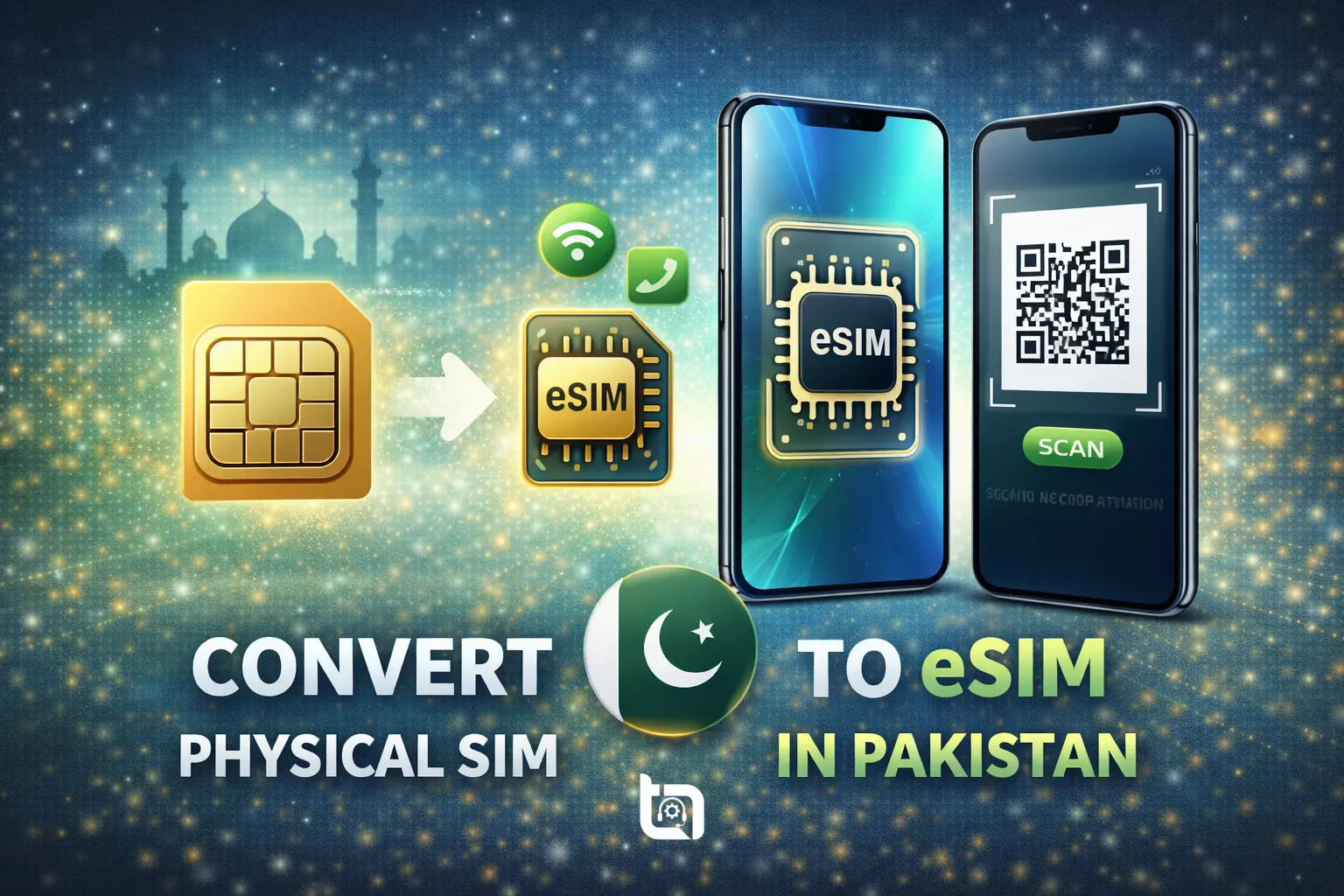
The eSIM (embedded SIM) technology is slowly gaining popularity in Pakistan as users look for more convenient and future-ready mobile connectivity. Major smartphones now support eSIM, and Pakistani telecom operators have also started offering this feature on selected plans. If you are planning to switch to the new technology, let us guide you step-by-step how to convert physical SIM to eSIM in Pakistan. This can help you avoid SIM swapping issues, use dual numbers easily, and enjoy better security.
Many users still feel confused about how eSIM works and whether it is available in Pakistan. The good news is that converting your physical SIM to an eSIM is possible if you meet certain requirements. The process is simple, but it varies slightly depending on your mobile network and phone model.
In this guide, Tecno Times Pakistan explains everything you need to know about eSIM in Pakistan, including supported networks, requirements, and a step-by-step method how to convert physical SIM to eSIM safely.
What Is an eSIM and How Does It Work?
An eSIM (embedded SIM) is a digital SIM that is built directly into your smartphone. Unlike traditional SIM cards, it does not need to be physically inserted or removed. Instead, your mobile network profile is downloaded electronically onto your device.
The main advantage of eSIM is convenience. You can switch networks, add a secondary number, or replace a lost SIM without visiting a franchise repeatedly. This feature is especially useful for users who travel frequently or use dual SIM phones. As technology adoption increases, more users are expected to shift towards eSIM-based connectivity in the coming years.
Mobile Networks Supporting eSIM in Pakistan
Currently, eSIM support in Pakistan is available on a limited scale. All telecom operators offer this service on a limited number of packages, so it is important to confirm availability before starting the conversion process.
The eSIM services in Pakistan are offered on both postpaid and prepaid connections, and availability may vary by city or franchise. Some operators also charge a small fee for eSIM activation or SIM replacement.
Before visiting a service center, users should contact customer support or check the official website of their mobile network to confirm whether their number and device are eligible for eSIM conversion.
Devices That Support eSIM in Pakistan
Not every smartphone supports eSIM, even if it is a modern device. Generally, eSIM is available on flagship and premium phones, especially from brands like Apple and Samsung.
Popular eSIM-supported devices include newer iPhone models, selected Samsung Galaxy flagship phones, and some Google Pixel devices. Budget and mid-range phones usually do not support eSIM yet.
To avoid issues, users should check their phone’s official specifications or settings menu to confirm eSIM compatibility before proceeding with the conversion.
Requirements Before Converting Physical SIM to eSIM
Before starting the conversion process, users must ensure they meet certain requirements set by telecom operators in Pakistan. Missing any of these may delay or block the process.
You will typically need:
- A valid CNIC;
- An active physical SIM registered in your name;
- An eSIM-compatible smartphone.
It is also recommended to back up your phone data and ensure stable internet access during eSIM activation, as the network profile is downloaded online.
Step-by-Step Guide: Convert Physical SIM to eSIM in Pakistan
The process of converting a physical SIM to an eSIM in Pakistan is straightforward but usually requires visiting a customer service center.
- Visit the official franchise or service center of your mobile network with your original CNIC and active SIM.
- Inform the representative that you want to convert your physical SIM into an eSIM.
- After biometric verification, the staff will issue you a QR code.
- This QR code is scanned using your phone’s mobile network settings to download the eSIM profile.
- Once activated, your physical SIM will stop working, and your number will operate through the eSIM.
How to Activate eSIM on Your Smartphone
After receiving the QR code, open your phone’s settings and navigate to the mobile network or SIM section. Select the option to add an eSIM or mobile plan and scan the QR code provided by your operator.
The phone will download and activate the eSIM automatically. This process may take a few minutes, during which your device should remain connected to the internet.
Once activated, make a test call or use mobile data to confirm that your eSIM is working properly. If you face any issues, customer support can assist with reactivation.
Advantages and Disadvantages of Using eSIM
eSIM offers several advantages for Pakistani users, including better security, no risk of SIM damage, and easier number management. It also makes switching phones or networks more convenient.
However, there are some limitations. eSIM support is still limited in Pakistan, and not all devices or prepaid users are eligible. Losing access to your phone can also be inconvenient since the SIM cannot be removed physically.
Despite these limitations, eSIM is expected to become more common as telecom infrastructure and device support improve across the country.
Final Thoughts
Converting a physical SIM to an eSIM in Pakistan is a smart move for users who own compatible smartphones and want a more secure and modern mobile experience. While availability is currently limited, the process itself is simple and user-friendly.
As Pakistani telecom networks continue upgrading their systems, eSIM adoption is expected to grow rapidly. If your device and network support it, switching to eSIM can be a future-proof choice.
For more step-by-step tech guides, mobile tips, and telecom updates, stay connected with Tecno Times Pakistan.