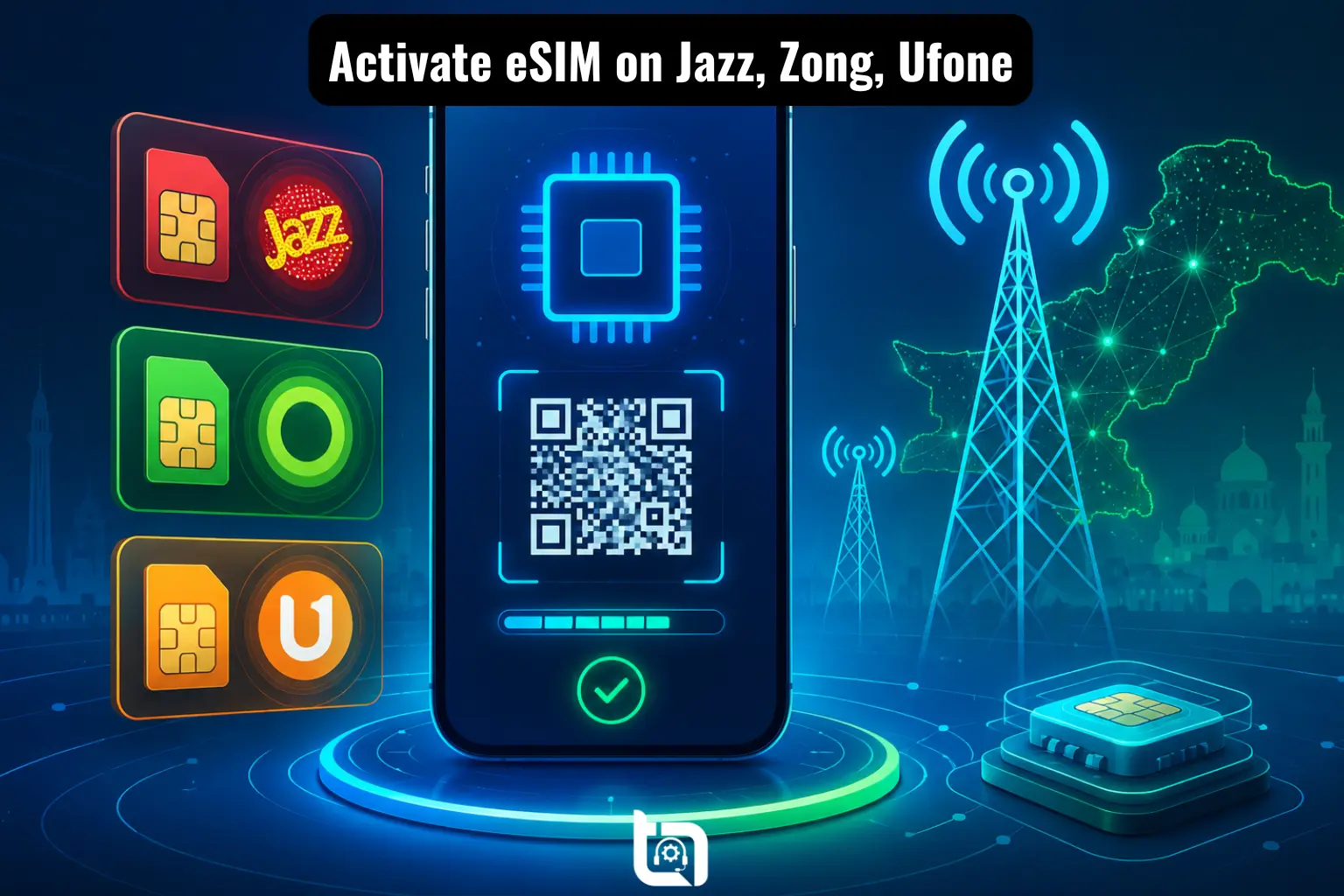
The embedded SIM (eSIM) technology is becoming more popular in Pakistan as modern smartphones continue to support digital SIM functionality. Instead of inserting a physical SIM card, users can activate a mobile network directly through their phone settings using an eSIM. This makes switching networks easier, improves security, and supports dual-SIM usage without needing an additional physical SIM tray.
In 2026, Pakistani telecom users are increasingly searching for ways to activate eSIM in Pakistan on Jazz, Zong, and Ufone. If you are planning to move from a physical SIM to eSIM in Pakistan, this detailed guide from Tecno Times Pakistan will help you activate your connection without confusion.
How to Activate eSIM in Pakistan
Frequently Asked Questions
Prior going into the detailed procedure, let us have the answers to the questions of a common telecom user.
An eSIM (Embedded SIM) is a digital SIM built directly into your smartphone or smartwatch. Unlike traditional SIM cards, it does not require physical insertion or replacement. Most flagship phones launched after 2022 support eSIM functionality. With eSIM technology, users can activate mobile networks digitally and use dual SIM features more easily.
Before activating eSIM, make sure your smartphone supports this feature.
All iPhones from iPhone XS onwards support eSIM, including iPhone XS/ XR, iPhone 11, 12, 13, 14, 15, and newer models.
Samsung offers eSIM support in both flagship and foldable devices including Galaxy S20, S21, S22, S23, S24 series and Galaxy Z Fold & Z Flip series.
Other brands also support eSIM, including Google Pixel (Pixel 3 and above), Huawei (select models), and Oppo & Vivo (limited newer models).
You can verify eSIM support through these quick methods:
On iPhone go to Settings → General → About. If you see an “Available SIM” or “Digital SIM” section, your device supports eSIM.
On Android go to Settings → Connections → SIM Manager. If “Add eSIM” appears, your phone supports eSIM functionality.
How to Activate Jazz eSIM in Pakistan

Jazz has introduced eSIM support for selected smartphones across Pakistan. Users can convert their physical SIM into eSIM by visiting an official franchise or service center. Follow these steps carefully:
- Visit any Jazz franchise with your original CNIC, active Jazz physical SIM, and an eSIM-supported smartphone.
- The representative will verify your biometric information and issue a QR code for eSIM activation.
- Scan QR code provided by Jazz.
- iPhone users go to Settings → Cellular → Add eSIM
- Android users go yo Settings → SIM Manager → Add eSIM
- Your eSIM profile will download automatically.
- Restart your device if necessary and complete activation process.
How to Activate Zong eSIM in Pakistan
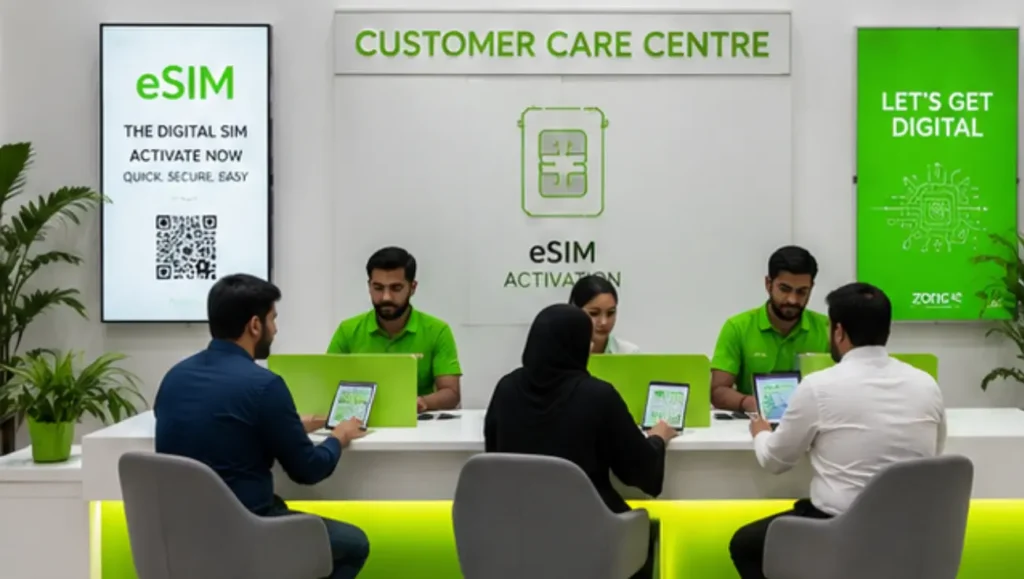
Zong is among the first telecom operators in Pakistan to actively promote eSIM services for premium smartphone users in the country. Follow these steps carefully:
- Visit Zong customer service centre with valid CNIC, active Zong physical SIM, and an eSIM-compatible smartphone.
- Request eSIM conversion; Zong staff will verify your identity and process your eSIM request.
- Open your device settings and scan the QR code provided by Zong.
- The phone will automatically install the Zong eSIM profile.
- After activation, restart your phone for proper network registration.
How to Activate Ufone eSIM in Pakistan
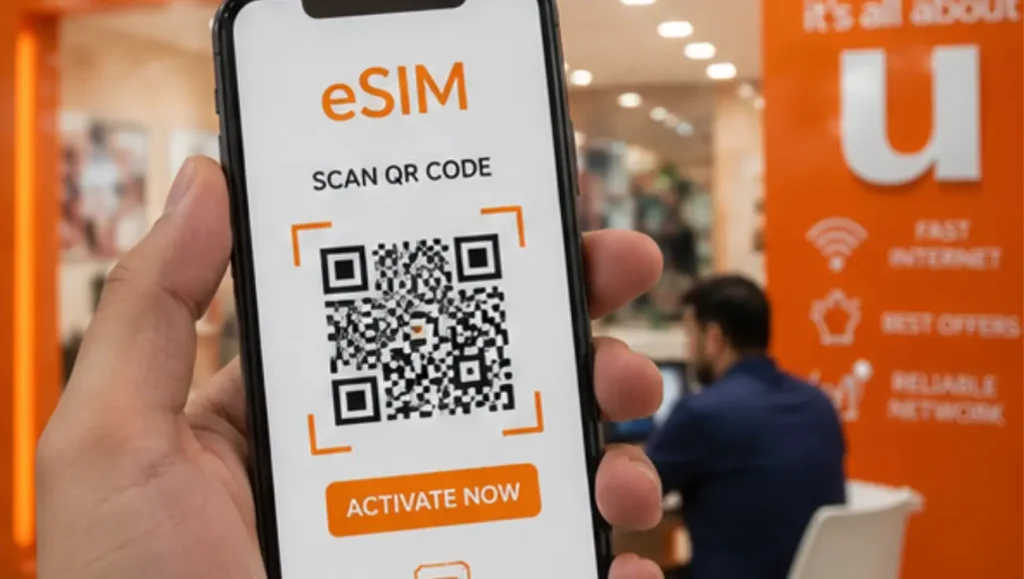
Ufone has also started offering eSIM services for compatible smartphones in selected cities across Pakistan. Follow these simple steps:
- Visit official Ufone franchise with original CNIC, active Ufone physical SIM, and an eSIM-supported smartphone.
- The support representative will verify your biometric details and generate an eSIM QR code.
- Navigate to eSIM settings on your phone and scan the QR code provided by Ufone.
- The eSIM profile will install automatically and connect to the Ufone network.
- After activation, restart your phone for proper network registration.
Common eSIM Activation Problems and Solutions
| Problem | Solution |
|---|---|
| QR Code Not Working | Ensure internet connectivity Use the original QR code Contact the operator for re-issuance |
| eSIM Option Missing | Verify device compatibility Update your phone software |
| Network Signals Not Appearing | Restart your device Reset network settings Contact customer support |
Advantages of Using eSIM in Pakistan
eSIM technology offers several advantages for Pakistani smartphone users.
- Better Security: Physical SIM theft becomes nearly impossible because the SIM is embedded inside the device.
- Easy Network Management: Users can switch between multiple networks digitally without replacing SIM cards.
- Improved Travel Convenience: International travelers can activate temporary plans without buying local physical SIMs.
- Supports Dual SIM Usage: Many phones allow physical SIM + eSIM simultaneously.
Final Thoughts
eSIM technology is gradually becoming the future of mobile connectivity in Pakistan. Jazz, Zong, and Ufone now provide easier methods for users to convert their physical SIMs into digital eSIM profiles. The process is straightforward and usually takes only a few minutes at an official franchise or service center.
If you own a modern smartphone, activating eSIM can improve convenience, security, and flexibility for daily usage and international travel.
Stay connected with the latest telecom updates, smartphone guides, and digital trends only on Tecno Times Pakistan — your trusted destination for Pakistan’s evolving tech world.